By Todd Johnson February 10, 2026
Food service has changed faster in the last five years than in the previous twenty. Guest expectations now assume tap-to-pay, digital receipts, mobile ordering, real-time wait updates, loyalty perks, and consistent service whether the order is dine-in, pickup, delivery, or catering.
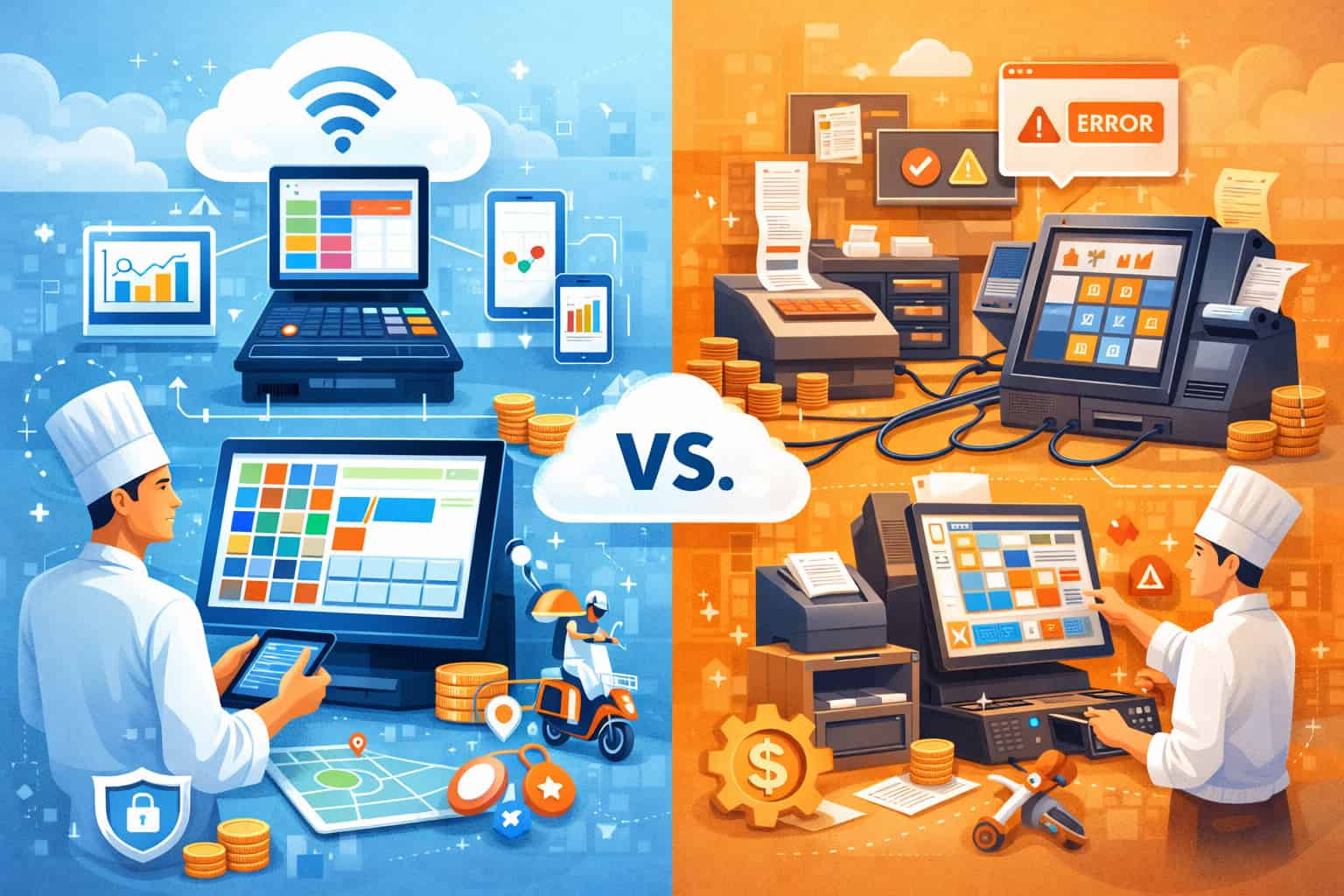
At the center of all of that is the point-of-sale stack—and the difference between a cloud POS and a traditional, server-based POS is no longer a “tech preference.” It’s a growth constraint or a growth lever.
A traditional POS usually means an on-premises server (or “back office” computer), fixed terminals, and software updates that happen manually (or not at all).
In many operations, it’s stable—until you add online ordering, third-party delivery integrations, kitchen display routing, multi-location reporting, and modern payment security requirements.
Then stability becomes fragility: one outdated box or one broken integration can turn into slower service, inaccurate inventory, missed sales, and avoidable compliance risk.
A cloud POS shifts the brain of the system to the cloud: configuration, menus, users, reporting, and many integrations live centrally and sync to devices in-store. You still need reliable local networking, and you still need smart operational controls, but you gain flexibility, visibility, and speed of iteration.
That’s why cloud POS adoption is accelerating alongside off-premises demand—nearly 75% of restaurant traffic happening off-premises according to industry reporting tied to the 2025 Off-Premises Restaurant Trends findings.
This guide breaks down what actually changes when you upgrade, where operators win (and where they stumble), and how to choose and implement a cloud POS in a way that improves margins—not just modernizes your tech.
What “Cloud POS” Really Means in Food Service Operations
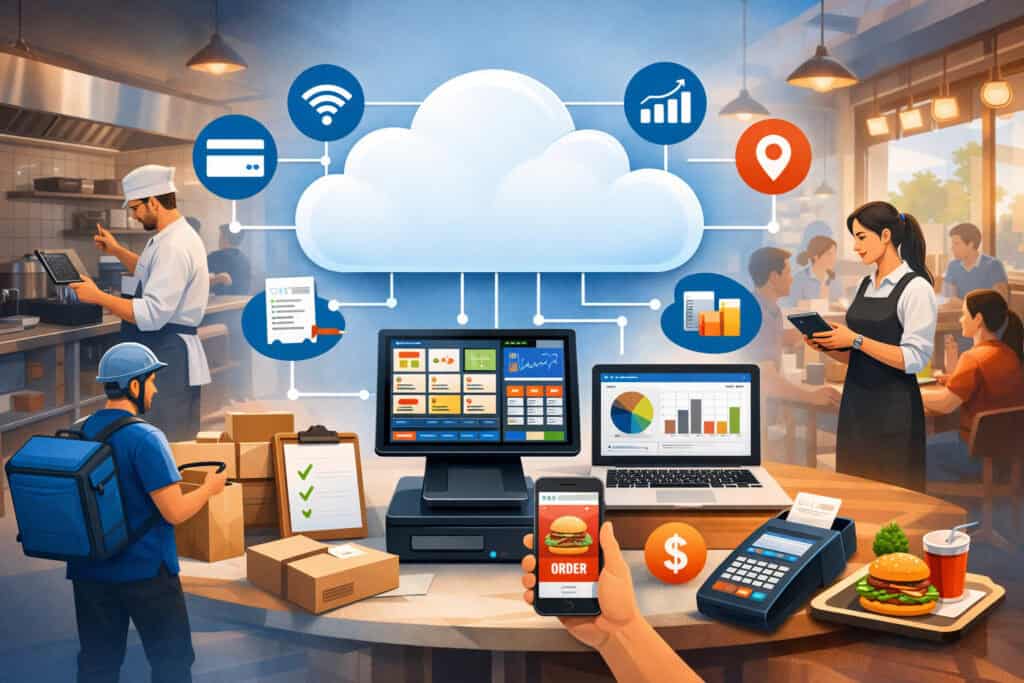
A lot of vendors use “cloud” as a marketing label, so it’s worth defining what matters operationally. A true cloud POS typically includes a cloud-based management console, cloud reporting, and cloud integration management (online ordering, accounting exports, loyalty, gift cards, inventory tools).
Terminals can be purpose-built devices or tablets, but the defining feature is that the system can be managed centrally from anywhere—with changes syncing across devices and locations.
In food service, the practical difference shows up on busy shifts. If your menu changes at 10:45 a.m., a traditional POS might require a manager to update each terminal or push changes from an on-prem server that may or may not propagate correctly.
With a cloud POS, updates are typically made once and synchronized across the environment. That reduces “menu drift,” where different stations ring different versions of the same item, leading to comped tickets, guest frustration, and messy end-of-day reconciliation.
Cloud POS also changes how you think about resilience. People assume cloud means “internet dependent,” but most mature cloud POS platforms include offline mode so stores can continue taking orders and payments during a temporary outage, then sync once connectivity returns.
Offline capability isn’t magic—it depends on configuration, payment setup, and the length of the outage—but it is a major operational advantage when designed correctly.
Finally, cloud POS is not just a register. It’s often a hub for omnichannel commerce: in-store ordering, QR ordering, kiosk, catering, and delivery marketplaces. Off-premises is now a core behavior pattern for guests, not a side channel, and cloud POS is built to operate in that reality.
Traditional POS Systems: Where They Still Fit—and Where They Break Down
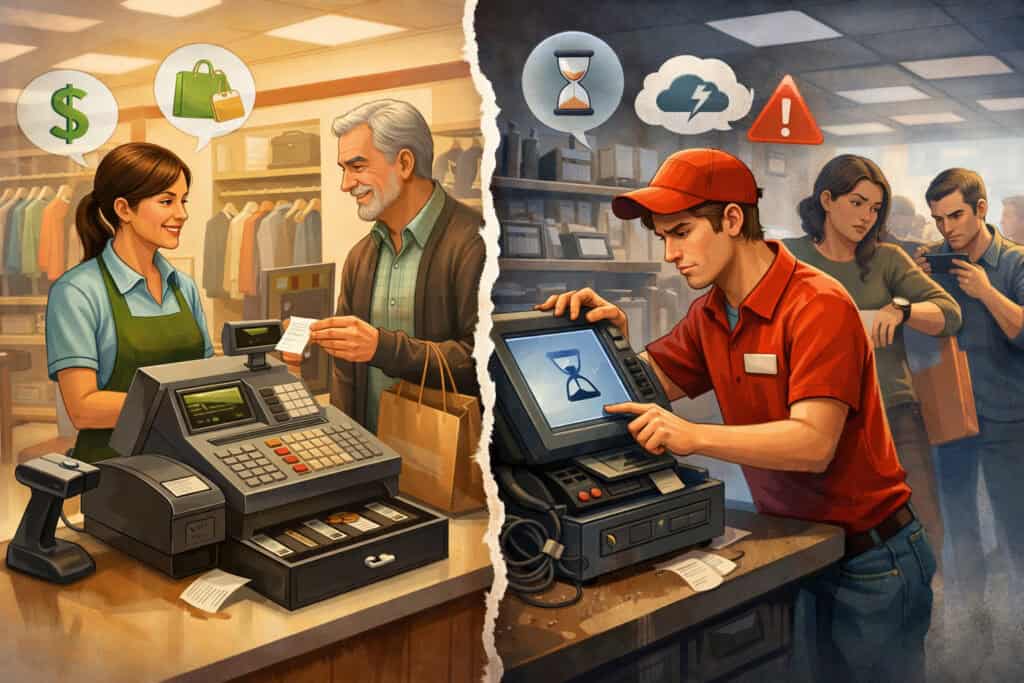
Traditional systems earned their popularity for a reason: they can be stable, they often run fast on local hardware, and many longtime operators have processes built around them.
For a single-location restaurant with a limited menu, low staff turnover, and minimal online ordering, a traditional POS can “work” for years with only occasional support tickets. It’s familiar, and familiarity reduces training friction—until you expand the scope of your business.
The breakdown usually starts when the business model modernizes. Add third-party delivery, and now you’re dealing with menu synchronization, modifier mapping, throttling, quoting times, and reconciling payouts.
Add a second location, and now you need consistent pricing, consistent discount controls, standardized recipes, centralized purchasing reports, and multi-location labor tracking. Add a catering program, and now you need scheduled production, deposits, invoicing, and robust customer profiles.
Many traditional POS environments can do some of these tasks, but they often require bolt-on modules, custom development, or manual workarounds.
Another common pain point is updating cadence. Traditional POS software can lag behind security and payments changes. Payment security standards evolve, and restaurants are expected to keep pace—especially when handling cardholder data.
The Payment Card Industry Security Standards Council introduced PCI DSS v4.0 and later published v4.0.1; legacy environments that rely on outdated systems and weak access controls are more likely to struggle meeting modern expectations without a modernization plan.
Traditional systems can also create “single points of failure.” If the back office server fails, you may lose reporting, sync, and configuration.
If the server runs out of storage or the database corrupts, your downtime is not just an inconvenience—it’s lost sales and stressed staff on a Friday night. Many operators keep a system like this running with heroic effort, but heroics are not a scalable strategy.
The Business Case for Upgrading: Revenue, Margin, and Time (Not Just “Technology”)
Upgrading to a cloud POS should be justified in business terms: higher revenue, better margin control, and less management time spent firefighting. The easiest revenue lift usually comes from faster service and fewer order errors.
A well-designed cloud POS environment can support kitchen display systems (KDS), smarter coursing, better modifier prompts, and controlled discounts. These reduce remakes and “we forgot the side sauce” moments that quietly erode profit.
Margin improvements often come from visibility. Cloud reporting makes it easier to monitor key metrics daily: top-selling items, comp/void patterns, discount usage by employee, labor-to-sales, and channel profitability.
That last one matters more than ever: off-premises can drive volume, but fees, packaging, and longer ticket times can reduce margin. When nearly three out of four orders are to-go in many markets, operators need channel-level reporting to decide which channels to push, which to throttle, and where to apply minimum order rules.
Time savings show up in administrative work: menu updates, tax changes, user permissions, and reporting exports. With a traditional POS, a manager might spend hours per week pulling spreadsheets, merging reports, and reconciling inconsistencies.
Cloud POS systems often automate exports to accounting tools, consolidate multi-location dashboards, and provide permissioned access so owners can check performance without calling the store.
A real-world example: a fast-casual operator adds a seasonal limited-time offer every quarter. On a traditional POS, that may require manual programming per terminal plus retraining because buttons move.
With cloud POS, the operator can duplicate item templates, adjust pricing, push the update chain-wide, and run item-mix reporting within days to decide whether the LTO stays. That feedback loop—launch, measure, adjust—is where modern food service wins.
Omnichannel Ordering: Why Cloud POS Matches How Guests Buy Today
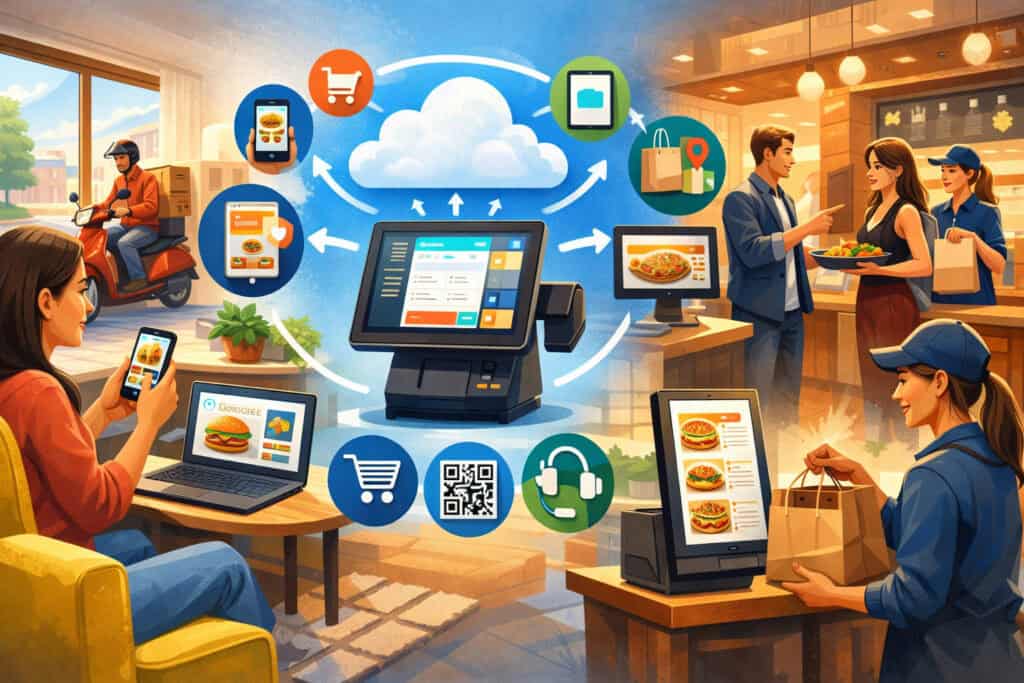
Food service is no longer a single lane. Guests might discover you on social media, order on a marketplace, switch to your direct online ordering for loyalty perks, and then pick up curbside—sometimes in the same week.
Your POS is the system that must keep those channels consistent: menu availability, prep times, pricing logic, and tax treatment.
Industry reporting tied to the 2025 Off-Premises trends highlights that off-premises traffic is now dominant, making digital ordering speed and value central to growth.
That reality pushes restaurants to integrate online ordering, kiosk, QR ordering, and delivery management tightly with the POS so the kitchen receives a single, consistent stream of tickets.
When these channels are stitched together with fragile integrations, operators see common failures: items selling online that are unavailable in-store, modifiers missing, wrong taxes, duplicate tickets, and refunds that don’t reconcile.
Cloud POS systems are typically designed with these integrations as a first-class requirement. That doesn’t mean every cloud POS does it well—some integrations are shallow—but the architecture is usually better suited for frequent menu updates, 86’ing items across channels, and managing throttling rules during rushes.
Cloud dashboards also allow managers to see channel mixes in real time: what’s coming from the dining room, what’s coming from pickup, and what’s coming from delivery. That visibility helps staffing decisions and production pacing.
Operationally, the best cloud POS setups treat omnichannel as a single production pipeline. The POS routes tickets with proper prep timing to the right kitchen stations, prints labels when needed, and updates order status for the guest. That’s how you turn “more channels” into “more sales” without burning out your team.
Payments and Security: PCI DSS, EMV, Contactless, and Fraud Risk Reduction
Upgrading a POS is also a payment security decision. Food service handles huge volumes of card-present transactions, and modern guest expectations include tap-to-pay and digital wallets.
EMV is the chip-based standard that reduces counterfeit card fraud, and global EMV deployment data continues to show chip usage as a dominant security baseline. From a compliance standpoint, restaurants are also affected by evolving PCI DSS requirements.
PCI DSS v3.2.1 retired on March 31, 2024, and PCI DSS v4.0 became the standard; newer requirements introduced in v4.0 moved from “best practice” to mandatory on March 31, 2025, per widely cited transition timelines, and PCI SSC has published guidance and updates including v4.0.1.
Why does that matter for an operator comparing cloud POS vs traditional systems?
- Access control: Cloud POS platforms generally make it easier to enforce unique logins, role-based permissions, and audit trails across locations.
- Patch management: Traditional on-prem environments often fall behind on updates, which increases risk.
- Network segmentation: Modern payment environments should isolate payment traffic from guest Wi-Fi and general business devices.
- Tokenization and point-to-point encryption (P2PE): Many modern payment setups reduce the scope of sensitive data exposure, which lowers operational risk (and can simplify compliance work).
Cloud doesn’t automatically mean “secure,” but strong vendors align with audit frameworks (often SOC 2), publish security practices, and support operational controls that restaurants actually use.
The key is pairing a cloud POS upgrade with a basic security program: device management, strong passwords, MFA where available, and vendor access reviews.
Reliability and Offline Mode: The Truth About Internet Dependency
One of the biggest objections operators raise is: “What happens when the internet goes down?” It’s a fair question—because food service is real time. But the answer is not “cloud POS fails.”
The real answer is: it depends on whether your cloud POS architecture includes local caching, offline order entry, and offline payment acceptance, and whether you’ve tested it.
Many cloud POS systems can continue to accept orders offline and store transactions locally. Some can also accept card payments offline under defined rules, then settle when connectivity returns.
There are trade-offs: offline card transactions can increase risk, limits may apply, and some payment types require connectivity. But for typical short outages, a properly configured cloud POS environment can keep service moving.
Traditional POS systems can also fail. If your local server crashes, that may be worse than an internet outage because you lose the core database. Cloud POS shifts some failure modes away from your physical server and into connectivity—but it also gives you more tools to design redundancy.
Smart operators treat connectivity like utilities. They build redundancy:
- Business-grade router/firewall with automatic failover
- Secondary internet line (cable + fiber, or wired + cellular)
- Segmented networks (POS devices separate from guest Wi-Fi)
- Battery backups for key devices
The point is not to pretend outages don’t happen. It’s to design so outages don’t become revenue disasters. A cloud POS paired with a resilient network plan is often more reliable than a traditional server that only one technician understands.
Labor, Training, and Role-Based Controls: How Cloud POS Improves Consistency
Labor is the most expensive and most fragile variable in food service. High turnover, seasonal staffing, and varied skill levels mean your POS must help your team do the right thing quickly. Cloud POS systems often win here because they make training and controls easier to standardize.
Role-based access is a practical example. In a strong cloud POS setup, cashiers can ring sales and apply limited discounts, shift leads can comp within defined thresholds, and managers can approve voids with a PIN or override.
Every action is logged, and you can review patterns across time and locations. That reduces shrink, tightens operations, and makes accountability fair.
Training is another area. Cloud POS interfaces are often more modern and intuitive, with guided modifier prompts that reduce missed upsells (“Add protein?” “Choose a side?”). That matters because missed modifiers are lost revenue, and remakes are lost margin.
For multi-location operators, cloud POS also makes it easier to keep screens consistent so a staff member can work at another store without retraining.
A realistic business example: a quick-service brand introduces a combo meal. With a traditional system, the combo might be programmed differently per location, causing confusion and slower lines.
With cloud POS, the combo can be standardized, pushed to all stores, and measured via reporting to confirm adoption. That reduces friction at the register and improves throughput during peak periods.
Inventory, Menu Engineering, and Cost Control: Turning Data Into Decisions
Cloud POS reporting matters most when it supports decisions that improve margin. Inventory and menu engineering are where many operators find the fastest ROI.
A cloud POS can connect sales data to recipes (through an inventory tool or integrated module), showing theoretical vs actual usage. That reveals common margin leaks: over-portioning, waste, theft, and inaccurate purchasing.
Even if you don’t run full recipe-level inventory, item mix reporting can still guide decisions: which items drive profit, which items slow down the kitchen, and which items create complaints.
Menu engineering becomes practical when you can quickly answer questions like:
- What’s our contribution margin by item?
- Which modifiers drive the most profit per ticket?
- Which dayparts produce the best labor-to-sales ratio?
- Which channel has the best margin after fees and packaging?
Because off-premises is so large now, channel mix analysis is not optional. Industry reporting continues to describe off-premises as essential behavior, which means operators need to measure profitability by channel and adjust pricing, packaging fees, and minimums accordingly.
A cloud POS supports faster experimentation too. You can adjust pricing for a channel, add a limited-time bundle, and track performance without waiting weeks for a technician. That is how cloud POS becomes a growth platform, not just a register replacement.
Integration Ecosystem: Delivery, Accounting, Loyalty, and Kitchen Systems
The real power of a cloud POS is often the ecosystem around it. Food service stacks now include:
- Online ordering (first-party)
- Delivery marketplace integrations
- Loyalty and rewards
- Gift cards
- Kitchen display systems
- Workforce management
- Inventory and purchasing
- Accounting exports
- Customer feedback tools
Traditional systems can integrate, but many rely on older APIs, middleware, or manual processes. Cloud POS platforms typically have more active partner marketplaces and more frequent integration updates. That matters because delivery platforms and payment methods change fast.
A practical example: an operator adds a catering workflow with deposits and scheduled pickup times. If the POS cannot support deposits cleanly, staff end up creating workarounds—manual invoices, separate payment links, and messy reconciliation.
With a cloud POS that supports stronger integrations (or native features), catering becomes less chaotic and more profitable.
Compliance Beyond Payments: Food Safety and Local Health Requirements
POS is not a food safety tool—but the operational systems around POS can support compliance culture.
For example, integrated back-office tools can help with labeling, allergen notes, and standardized recipes. Digital receipts and order history can also support customer service when a complaint involves an allergy request or special instruction.
For food safety standards, many jurisdictions align with the FDA Food Code model, which provides guidance for safe handling of food in retail and food service settings and is updated periodically (including the Food Code 2022 release).
While your local health department enforces the specific adopted code and regulations, operators benefit from standardized procedures and documentation—especially across multiple locations.
Where cloud POS becomes relevant is in standardization and traceability:
- Standard recipes and modifier prompts reduce inconsistent preparation.
- Clear kitchen routing reduces missed instructions.
- Centralized menu control helps ensure allergen-related language stays consistent.
- Reporting can help identify problematic items with high remake rates.
Compliance is also broader than health codes: think wage-and-hour rules, tip reporting, and sales tax. A cloud POS can streamline accurate tip tracking and labor reporting, and it can reduce tax configuration errors when rates change across jurisdictions. The upgrade isn’t just about convenience—it’s about reducing avoidable compliance friction.
Total Cost of Ownership: The Real Math Behind Cloud POS vs Traditional Systems
Sticker price comparisons are where operators get misled. Traditional POS often looks cheaper upfront: you buy terminals and a server, pay an installation fee, and then a smaller ongoing support plan.
Cloud POS often looks more expensive because it’s subscription-based. But total cost of ownership (TCO) is not just licensing—it’s downtime, labor time, integration costs, upgrade projects, and opportunity cost.
Traditional environments often incur “hidden” costs:
- Server maintenance or replacement
- Technician visits for updates
- Integration middleware fees
- Manual reporting time
- Longer onboarding for new locations
- Higher downtime risk from aging hardware
Cloud POS costs are more predictable, but you still must budget:
- Subscription fees per terminal/location
- Payment processing fees (which vary widely)
- Hardware (tablets, stands, printers, routers)
- Implementation services and training
- Connectivity redundancy (secondary internet)
The TCO decision becomes clear when you quantify the operational impact. If a cloud POS reduces order errors by even a small percentage, improves throughput during peak times, and saves managers several hours per week, the upgrade can pay for itself quickly.
The right approach is to build a simple business case: expected revenue lift, expected waste reduction, expected labor time saved, and avoided downtime risk.
Migration Strategy: How to Upgrade Without Disrupting Service
A POS migration fails when it’s treated as a software install instead of an operational change. The best upgrades follow a staged approach:
- Define success metrics: Decide what you’re improving: ticket times, order accuracy, channel profitability, inventory variance, or reporting visibility. These metrics guide configuration decisions.
- Clean your menu and modifiers first: Bad menu logic migrates badly. Standardize naming, modifier structure, and pricing rules before you push them into the new cloud POS.
- Map your operational flows: Dine-in, bar service, pickup shelves, curbside, delivery staging, catering—each needs a clear workflow. Cloud POS should support the workflow, not force a bad one.
- Train by role, not by “system”: Cashiers learn speed and accuracy. Kitchen learns routing and bump logic. Managers learn overrides, void policies, and reporting. Owners learn dashboards.
- Run parallel testing and stress tests: Test offline mode. Test refunds. Test discounts. Test multi-tender payments. Do it before opening hours.
- Use a “soft launch” window: If possible, go live during a slower period, then refine. Many operators choose early-week mornings rather than weekend nights.
Cloud POS upgrades succeed when leadership sets clear rules: discount policy, void policy, comps, cash handling, and device accountability. Technology amplifies your process—good or bad.
Future Predictions: Where Cloud POS Is Headed in the Next 3–5 Years
Cloud POS is evolving from a transaction system into an operations and intelligence layer. Several trends are becoming clearer:
- AI-assisted operations: Expect more forecasting and automation: suggested prep quantities, labor scheduling recommendations, anomaly detection for voids/comps, and predictive inventory ordering. Industry event coverage continues to highlight a shift toward “what actually works” in restaurant tech, with operators demanding practical outcomes rather than gimmicks.
- Deeper omnichannel control: As off-premises remains dominant, cloud POS will improve throttling, dynamic quoting, and margin controls by channel, making it easier to protect the kitchen during rushes while still capturing demand.
- Security pressure increases: Payments and security standards continue to mature. PCI DSS v4.x emphasizes stronger authentication and access practices over time, and cloud POS vendors will compete more aggressively on security posture and audit readiness.
- Hardware gets simpler, networks get smarter: Expect more reliance on managed networking, cellular failover, and device management. Cloud service security guidance across industries continues to emphasize shared responsibility—vendors secure their platforms, but operators must secure configurations, accounts, and devices.
For operators, the takeaway is simple: cloud POS is becoming the default platform for competitive food service. Traditional systems won’t disappear overnight, but they will increasingly feel like owning a landline in a smartphone world—functional, but limiting.
FAQs
Q1) Is cloud POS safe for payment processing and customer data?
Answer: A cloud POS can be very safe—but only if the vendor and the operator both do their parts. On the vendor side, look for strong security practices, clear data handling policies, and support for modern payment security approaches (like tokenization and encryption).
On the operator side, focus on practical controls: unique employee logins, strong passwords, multi-factor authentication where available, and strict manager overrides.
From a standards standpoint, restaurants handling card payments are expected to align with PCI DSS requirements through their payment environment, and PCI DSS has moved forward with v4.x expectations and timelines.
Cloud POS doesn’t eliminate compliance responsibility, but it often makes it easier to maintain updates, manage access control, and centralize logs.
Also consider EMV and contactless acceptance. Using EMV-capable terminals and modern payment flows reduces counterfeit fraud exposure compared to outdated magstripe-only setups.
Q2) What happens if the internet goes down—will my restaurant stop taking orders?
Answer: Not necessarily. Many cloud POS systems include offline mode that allows order entry to continue during short outages, then syncs when connectivity returns. Some setups also allow limited offline payment acceptance, depending on processor configuration and risk controls.
However, you shouldn’t assume offline mode works perfectly out of the box. The right approach is to test it during implementation, define offline procedures (cash handling, printed receipts, kitchen routing), and build network redundancy such as cellular failover. Cloud POS is reliable when you design for reliability.
Q3) Will a cloud POS reduce third-party delivery headaches?
Answer: It can—especially if you select a cloud POS with strong delivery integrations or an integration partner that is well-supported. The key improvements are menu synchronization, 86’ing items across channels, consolidated reporting, and fewer manual re-entry errors.
But integrations vary. Some are deep and stable; others are brittle. Ask who supports the integration when it fails and how quickly it is updated when delivery platforms change. In an off-premises-first environment, integration reliability is one of the most important selection criteria.
Q4) Is cloud POS only for multi-location restaurants?
Answer: No. Single-location operators often benefit just as much—sometimes more—because a cloud POS reduces administrative work and improves visibility without needing an in-house IT person.
Centralized updates, modern payment acceptance, and streamlined reporting can directly improve day-to-day operations.
Multi-location groups gain additional value through standardization and chain-wide dashboards, but the “owner-operator” restaurant can still see major wins in speed, accuracy, and labor management.
Q5) How do I know if I should upgrade now or wait?
Answer: Upgrade is usually urgent if any of these are true:
- Your system can’t handle omnichannel ordering cleanly.
- Reporting is slow or unreliable, and you make decisions without data.
- You have frequent downtime or aging server hardware.
- Your team struggles with training, discounts, or order accuracy.
- Payment and security expectations are changing faster than your system can keep up (e.g., PCI DSS v4.x era controls).
If none of these apply and your operation is stable with low complexity, you can plan a slower transition. But most modern food service businesses are adding channels and complexity every year—so “waiting” often increases migration pain later.
Conclusion
The cloud POS vs traditional systems debate is settled for most growth-minded food service operators: the question is no longer whether cloud POS works, but whether your operation can compete without the speed, visibility, and integration flexibility that cloud POS provides.
Traditional POS can still fit certain low-complexity environments, but once you rely on off-premises volume, multiple ordering channels, frequent menu changes, and modern payment security expectations, a traditional setup becomes a limiting factor.
Cloud POS supports centralized control, faster iteration, stronger reporting, and a more scalable tech stack—exactly what operators need as guest behavior continues shifting toward off-premises convenience.
The winning strategy is to treat the upgrade as a business project: define success metrics, clean and standardize your menu, map workflows, train by role, test offline mode, and design network resilience.
Done right, a cloud POS upgrade improves service speed, protects margin, reduces management time, and positions your business for the next wave of automation and AI-driven operations.