By Todd Johnson February 10, 2026
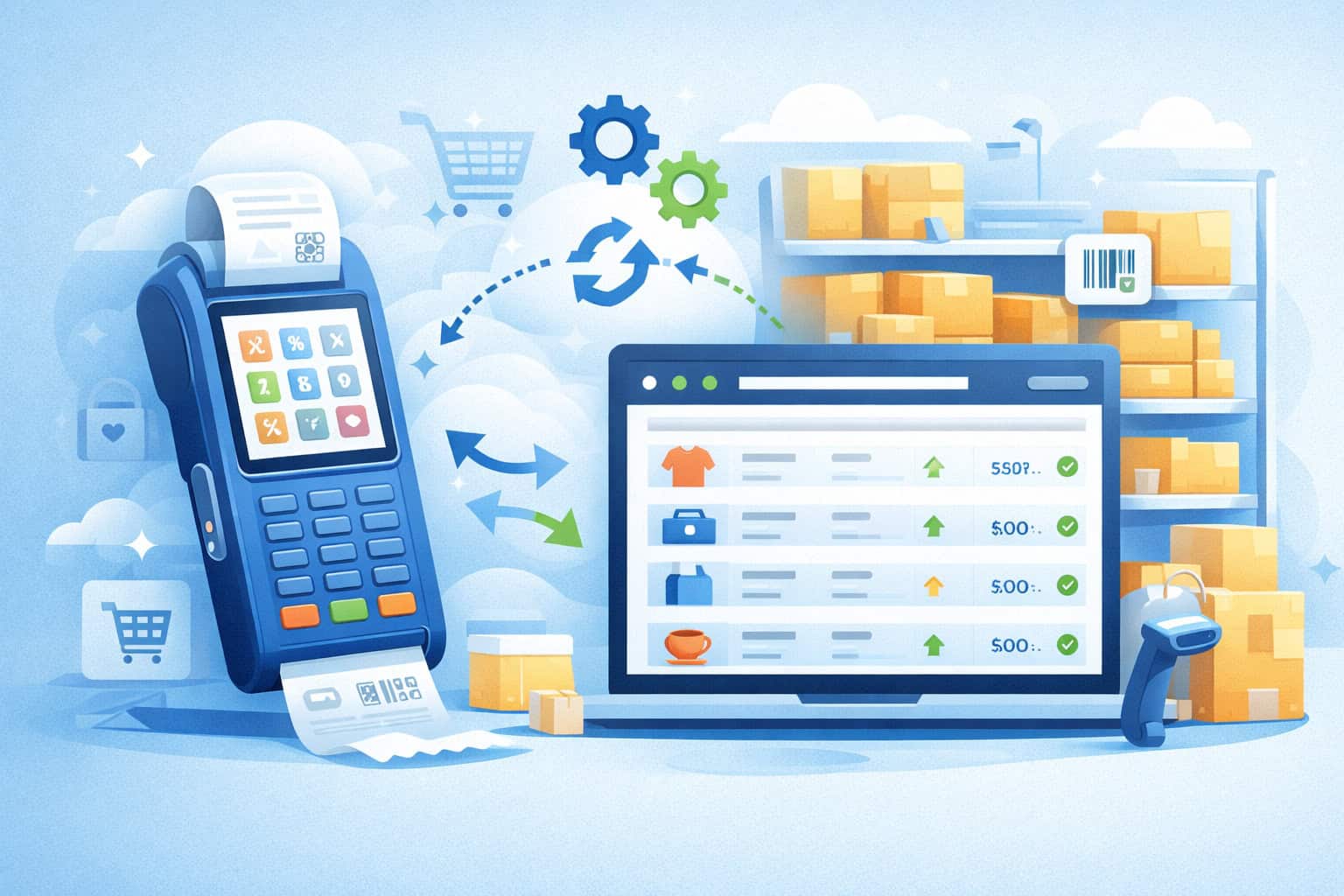
POS inventory integration is one of the fastest ways to eliminate stockouts, reduce dead stock, stop manual re-keying, and get real-time visibility across stores, warehouses, and online channels.
When POS inventory integration is done correctly, every sale, return, purchase order, transfer, and adjustment updates inventory counts automatically—so your on-hand, available, committed, and reorder points stay accurate without nightly spreadsheet cleanups.
From an operator’s perspective, POS inventory integration is not “just connecting two apps.” It’s a business process redesign: product data governance, barcode standards, tax and audit recordkeeping, access controls, and exception handling. For payment acceptance, POS inventory integration also intersects with data security responsibilities.
Many merchants rely on a Point of Sale for checkout and an inventory platform for purchasing, replenishment, and multi-location stock control, which means customer data, transaction logs, and device access need clear boundaries and controls under modern security standards like PCI DSS v4.x.
In this guide, you’ll get a practical, step-by-step blueprint for POS inventory integration—written for real businesses: retailers, specialty shops, repair/service counters with parts, quick-serve concepts with ingredients, and multi-location operators.
You’ll also see how to plan for future shifts like RFID, real-time analytics, and AI-driven demand forecasting, so your POS inventory integration remains durable as your operations scale.
Why POS Inventory Integration Is Worth It for Real Operations

POS inventory integration pays off when you measure it in operational outcomes, not software features. The immediate win is accuracy: each sale reduces on-hand, each return increases it, each receiving event increases available stock, and each transfer correctly moves units between locations.
That single “source of truth” prevents the classic scenario where the Point of Sale shows one quantity, the inventory system shows another, and your staff “chooses the number that feels right.”
Second, POS inventory integration reduces shrink and margin leakage. When inventory counts are wrong, you often over-order, discount unnecessarily, or lose sales from stockouts.
With POS inventory integration, you can track variance reasons—damaged, expired, stolen, vendor short-shipped—so you can act on shrink categories instead of accepting shrink as “normal.”
In practice, operators typically see fewer emergency orders, fewer expedited shipping costs, and fewer customer complaints about unavailable items.
Third, POS inventory integration improves cash flow. Inventory is tied-up cash. When POS inventory integration enables smarter reorder points and purchase planning, you free cash while maintaining service levels.
A seasonal business (apparel, gift, outdoor, hobby, specialty retail) can move from “panic ordering” to planned replenishment based on sell-through, lead time, and vendor MOQs.
Finally, POS inventory integration supports compliance and audit readiness. Good recordkeeping matters for tax, audits, and dispute resolution.
The IRS emphasizes maintaining business records and recordkeeping systems; integrated systems make it easier to store, retrieve, and reproduce sales and inventory documentation in an organized way.
Step 1: Define Your Integration Goals, Scope, and Success Metrics

Before you connect anything, decide what “good” looks like. Point of Sale inventory integration can mean many things: a nightly sync of item counts, real-time two-way updates, or an event-driven architecture where every transaction triggers downstream updates.
If you don’t define scope, you can end up with a partial POS inventory integration that creates more exceptions than it resolves.
Start with user intent: what does the business need today? Common goals include:
- Real-time stock visibility across locations
- Automatic decrement/increment on sales and returns
- Centralized purchasing and replenishment
- Consistent product catalogs across in-store and online
- Lot/serial tracking for regulated or high-value items
- Ingredient-level tracking for food/production workflows
Then define which transactions must synchronize: sales, returns, exchanges, purchase orders, receiving, transfers, adjustments, and assemblies/bundles. Many businesses only integrate sales and wonder why on-hand is still wrong—because receiving and transfers were never included in the Point of Sale inventory integration scope.
Choose measurable KPIs:
- Inventory accuracy % (cycle count variance)
- Stockout rate and lost sales
- Days of inventory on hand
- Time spent on manual adjustments
- Purchase order error rate
- Return fraud incidents (if applicable)
A real-world example: a 2-location specialty retailer had weekly stockouts on top sellers because the POS sold items that the inventory system still marked “available” for online orders.
With POS inventory integration that reserved stock when an online order was placed and decremented stock on Point of Sale sale instantly, the business reduced cancellations and improved customer trust.
Step 2: Inventory Data Hygiene—Your Catalog Must Be Clean Before POS Inventory Integration
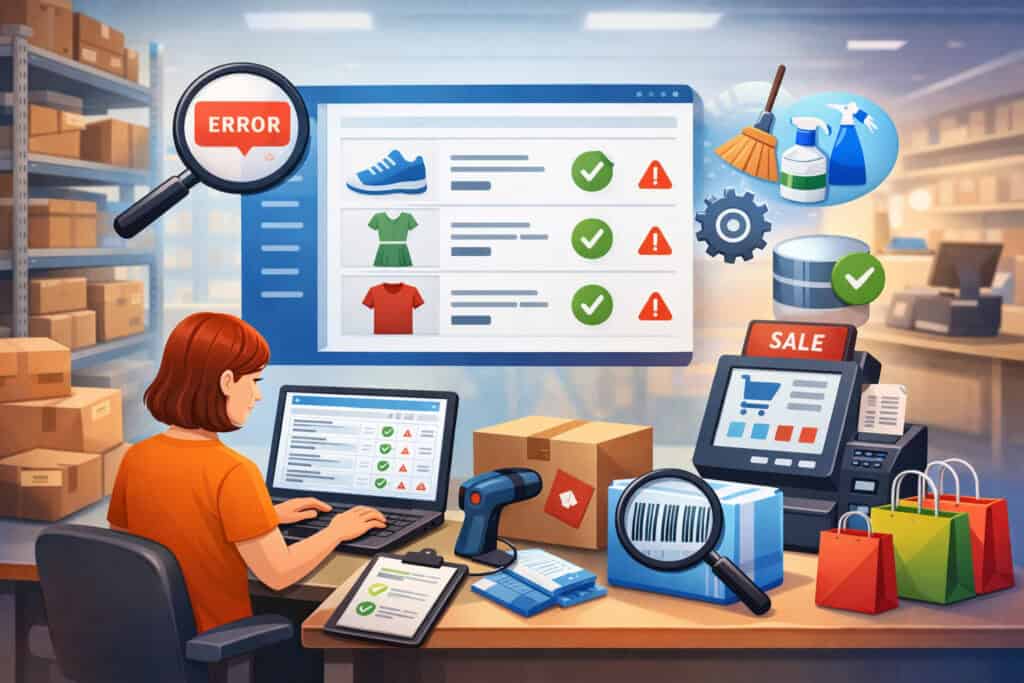
POS inventory integration fails most often because of messy product data, not because “the API didn’t work.” The integration can only synchronize what your data model supports. If you have duplicate SKUs, inconsistent naming, missing unit-of-measure rules, or random variants, your POS inventory integration will amplify the chaos at scale.
Key master data elements to standardize:
- SKU strategy: one unique SKU per sellable unit; avoid reusing SKUs
- Variants: size/color/style structured consistently
- Units of measure: each, case, pack, weight-based units (and conversions)
- Cost fields: last cost, average cost, landed cost components
- Tax categories: taxable/non-taxable rules (varies by item and state)
- Locations: store, warehouse, truck, kiosk, third-party fulfillment
Barcode standards matter here. Many merchants use UPC-style barcodes tied to a Global Trade Item Number (GTIN). GS1 describes barcodes as encoding product identification, including GTINs, and these standards improve interoperability across retail and supply chain systems.
Step 3: Pick the Right Integration Method—Native Connector, Middleware, or Custom API

There are three main routes for POS inventory integration, and the best choice depends on your complexity and growth plans:
Native POS-to-Inventory Connector
Many platforms offer direct connectors. This is the fastest path for basic Point of Sale inventory integration (items, counts, sales). It’s ideal if you:
- Have one POS brand
- Use common workflows
- Don’t need heavy customization
- Want a quicker implementation
The risk: native connectors may not support advanced needs like complex bundles, manufacturing/assemblies, serial tracking, or multi-warehouse logic. You must validate transaction coverage, not just “it connects.”
Middleware / iPaaS (Integration Platform as a Service)
Middleware gives you mapping, transformations, monitoring, retry logic, and multi-app routing. This is strong when your POS inventory integration must also touch:
- Ecommerce platform
- Accounting system
- CRM/loyalty
- Shipping/fulfillment tools
Middleware also helps with rate limits and data normalization. The downside is ongoing cost and the need for someone who understands integration operations.
Custom API Integration
Custom is appropriate when POS inventory integration is a competitive advantage or your workflows are unique (high-volume, multi-entity, specialized compliance, custom pricing). It gives maximum control—event-driven sync, near-real-time updates, and custom business rules. But custom means you own:
- API version changes
- Security hardening
- Logging/monitoring
- Regression testing
- Incident response
Security note: if your Point of Sale environment touches payment data, ensure your architecture is aligned with PCI guidance and that you understand merchant responsibilities. PCI DSS v4.x remains a critical reference for protecting payment environments, and future-dated requirements became mandatory after March 31, 2025.
Step 4: Map Data Fields—SKU, Barcode, Location, Cost, and Tax Must Match
Field mapping is the heart of POS inventory integration. You are deciding which system is the “system of record” for each field and how conflicts are resolved. If both systems can edit a field, you need rules.
Common mapping decisions:
- System of record for product creation: often inventory system
- System of record for pricing: sometimes Point of Sale; sometimes inventory
- Cost updates: usually inventory system (receiving updates cost)
- On-hand quantity: inventory system (with POS sales decrementing)
- Tax category: POS may need it; inventory may store category
Critical fields to validate:
- SKU
- Barcode/GTIN
- Variant attributes
- Location ID and naming convention
- Department/category
- Reorder point, par level, lead time, safety stock
- COGS costing method (FIFO, average cost—depends on platform)
Real-world example: a multi-location retailer had the same SKU reused for different colors, relying on item name only. During Point of Sale inventory integration, returns at one store increased inventory for the wrong color at another store.
Fix: new SKU scheme with structured variants; POS inventory integration then became stable.
Step 5: Define Inventory Events and Posting Rules (Sales, Returns, Transfers, Receiving)
POS inventory integration must treat inventory as a stream of events. Each event changes quantities and sometimes financial values (COGS, inventory asset). If you only sync “quantity,” you miss why it changed—which is crucial for audits and operational troubleshooting.
Key event types:
- Sale: decrement on-hand immediately at the selling location
- Return: increment on-hand if restockable; route to damaged/RTV if not
- Exchange: treat as return + sale for accurate audit trail
- Receiving: increment on-hand; update cost if applicable
- Transfer: decrement from source, increment in-transit, then increment at destination on receipt
- Adjustment: manual corrections with reason codes
Use reason codes as a best practice. They turn adjustments from “mystery edits” into actionable insights:
- Cycle count variance
- Damaged/expired
- Theft/shrink
- Vendor discrepancy
- Internal use/samples
If you’re in food/ingredients or production, POS inventory integration must support recipes/BOMs (bill of materials). A sale of one menu item consumes multiple components (bun, patty, sauce, packaging). Without correct BOM logic, Point of Sale inventory integration will show “in stock” even when a key component ran out.
Step 6: Security, Access Controls, and Compliance for Integrated Systems
POS inventory integration expands your attack surface because more systems share data and credentials. Treat integration as part of your security program, not a “tech afterthought.”
A practical framework: NIST Cybersecurity Framework 2.0 (released February 2024) adds the Govern function and emphasizes governance and risk management across the lifecycle of cybersecurity risk.
That matters because POS inventory integration requires decisions about policies, access, vendor risk, and monitoring—not just technical controls.
Security controls you should implement:
- Role-based access control (RBAC) for inventory adjustments and pricing
- Least privilege for API keys (read-only vs write scopes)
- Multi-factor authentication (MFA) for admin users
- Network segmentation for Point of Sale devices (where applicable)
- Logging of all integration actions (who/what/when)
- Regular review of vendor access and integrations
Payment security: PCI SSC has published PCI DSS v4.0.1 as a clarifying revision and PCI DSS v4 includes future-dated requirements that became mandatory after March 31, 2025. If your POS inventory integration touches environments connected to card acceptance, align your controls with PCI expectations and work with qualified professionals as needed.
Also plan for operational security:
- Separate “test” and “production” integrations
- Rotate API keys on a schedule
- Document incident response steps (disable integration, stop sync, rollback plan)
Step 7: Testing the POS Inventory Integration the Right Way (Not Just “It Synced Once”)
Testing is where POS inventory integration becomes trustworthy. The goal is not just “data moved,” but “data moved correctly under real workflows.”
Build a test plan with:
- Unit tests: single SKU, single location sale and return
- Scenario tests: discounts, partial refunds, exchanges, bundles
- Concurrency tests: same SKU sold simultaneously across registers
- Edge cases: offline mode, delayed sync, API timeout, duplicate events
- Receiving tests: partial shipments, backorders, vendor substitutions
- Transfer tests: in-transit, partial receipt, shrink in transit
- Cycle count tests: count variance posting and reason codes
A best practice is to test with a shadow catalog: copy your most complex 50–200 SKUs (variants, bundles, weighted items, serial items) and run simulated transactions for a week. Then reconcile:
- POS sales report vs inventory decrement log
- Returns vs restock rules
- Receiving vs cost updates
- Transfers vs destination on-hand
Make the reconciliation a formal sign-off step. Without it, POS inventory integration often launches with hidden mismatches that surface later as “inventory drift.”
Step 8: Deployment Plan—Cutover, Staff Training, and Change Management
A smooth rollout is equal parts technical and human. POS inventory integration changes daily routines: how staff receive inventory, how managers approve adjustments, and how returns are processed.
Recommended deployment sequence:
- Freeze catalog edits (temporary)
- Run final data cleanup and dedupe
- Establish starting on-hand counts (cycle count or baseline import)
- Enable Point of Sale inventory integration in “monitor mode” if possible
- Go live at a low-volume time window
- Monitor exceptions hourly for the first 72 hours
Training matters because “workarounds” kill POS inventory integration. Teach:
- How to scan items correctly
- How to handle missing barcodes (create label workflow)
- How to process returns (restock vs damaged)
- When to do adjustments and which reason codes to use
- How to receive purchase orders properly (no “quick receive” shortcuts)
Real-world example: a boutique implemented POS inventory integration but staff continued to “ring up generic items” instead of scanning variants. Inventory accuracy collapsed. Fix: barcode labeling at receiving, register prompts, and staff performance metrics tied to scan rate.
Step 9: Ongoing Maintenance—Monitoring, Audits, and Recordkeeping
POS inventory integration is not set-and-forget. Over time, drift happens due to exceptions, vendor behavior, staff turnover, and catalog changes. Your job is to detect drift early.
Operational monitoring checklist:
- Daily exception queue review (failed syncs, duplicate events)
- Weekly negative inventory report review
- Monthly reconciliation: inventory valuation vs sales/COGS trends
- Quarterly access review: who can adjust, who can change cost/price
- Regular cycle counts for top sellers and high-value items
Recordkeeping is also a long-term discipline. The IRS provides guidance on starting a business and keeping records, and maintaining organized records helps support tax filings and business management. Integrated systems can simplify retrieval of sales and inventory records when you need them.
A practical approach: store your integration logs and summary reports alongside accounting month-end close packages. If a discrepancy arises later, you can trace the root cause: a duplicate webhook, a missing receiving event, or a transfer posted incorrectly.
Step 10: Advanced POS Inventory Integration Use Cases That Drive Competitive Advantage
Once basic POS inventory integration is stable, you can unlock higher-value capabilities:
Real-Time Replenishment and Vendor Collaboration
With accurate data, you can reorder based on velocity, lead time, and safety stock. For seasonal demand, use dynamic reorder points. Some vendors can accept electronic POs and provide ASNs (advance ship notices), improving receiving accuracy.
Omnichannel Inventory and “Available to Promise”
If you sell online and in-store, POS inventory integration can prevent overselling by reserving units for pending orders and showing accurate availability by location.
Serialized, Lot, and Expiration Tracking
For high-value electronics, medical devices, specialty items, or perishable goods, POS inventory integration can store serial/lot data and enforce scan-at-sale rules.
Standardized Product Identification
Using structured product identifiers and barcoding standards improves interoperability and reduces label chaos. GS1’s standards support trusted product identification and data sharing across retail ecosystems.
Future Predictions: Where POS Inventory Integration Is Headed
POS inventory integration is shifting from “syncing databases” to “real-time operational intelligence.” The next few years will likely bring:
- More event-driven architectures: webhook-based updates, fewer batch jobs
- RFID and computer vision adoption: faster cycle counts and reduced shrink
- AI-driven forecasting and automated purchasing: reorder decisions generated from sell-through patterns, weather signals, and promotions
- Stronger governance expectations: cybersecurity and vendor-risk management aligned with frameworks like NIST CSF 2.0’s emphasis on governance
- Tighter payment-security alignment: ongoing focus on PCI DSS v4.x and validation of security controls as requirements mature
The businesses that win will treat POS inventory integration as a core operating system—measured, governed, and continuously improved—not as a one-time IT project.
FAQs
Q.1: What is the biggest mistake businesses make with POS inventory integration?
Answer: The biggest mistake is skipping data hygiene and governance. POS inventory integration can’t fix duplicate SKUs, inconsistent variants, or staff workflows that bypass scanning. Clean product data, standardized barcodes, and clear roles are what make POS inventory integration durable.
Q.2: Should POS inventory integration be one-way or two-way?
Answer: For most businesses, POS inventory integration should be two-way but with clear system-of-record rules.
For example, the inventory system owns on-hand and purchasing, POS owns checkout events, and pricing may be controlled in one system to avoid conflicts. Two-way POS inventory integration without governance often leads to overwrites and confusion.
Q.3: How do I keep inventory accurate after POS inventory integration goes live?
Answer: You maintain accuracy with cycle counts, exception monitoring, reason-coded adjustments, and staff compliance. A weekly review of negative inventory and high-variance SKUs prevents drift from becoming a quarterly “inventory disaster.”
Q.4: Does POS inventory integration help with audits and taxes?
Answer: Yes—because POS inventory integration creates consistent logs of sales, returns, and inventory movements, making it easier to retrieve documentation and reconcile records. The IRS provides recordkeeping guidance for businesses, and integrated systems can support organized record retention and retrieval.
Q.5: How does POS inventory integration relate to payment security?
Answer: If your POS environment is connected to payment acceptance, you must consider security responsibilities and ensure access controls, logging, and vendor risk management. PCI SSC materials explain PCI DSS versions and clarifications, and PCI DSS v4 includes requirements that became mandatory after March 31, 2025.
Conclusion
POS inventory integration is one of the highest ROI operational upgrades for modern merchants, but only when implemented with discipline.
The winning approach is simple: define scope and KPIs, clean your product data, choose the right integration method, map fields with system-of-record rules, and test end-to-end workflows—not just one sync. Then operationalize POS inventory integration with monitoring, cycle counts, access controls, and strong recordkeeping.
If you treat POS inventory integration as a living system—continuously governed, secured, and improved—you get more than accurate counts.
You gain faster replenishment, better cash flow, fewer cancellations, stronger audit readiness, and a foundation for future capabilities like RFID and AI forecasting. POS inventory integration is no longer optional for growth-focused operators; it’s the backbone of scalable retail operations.