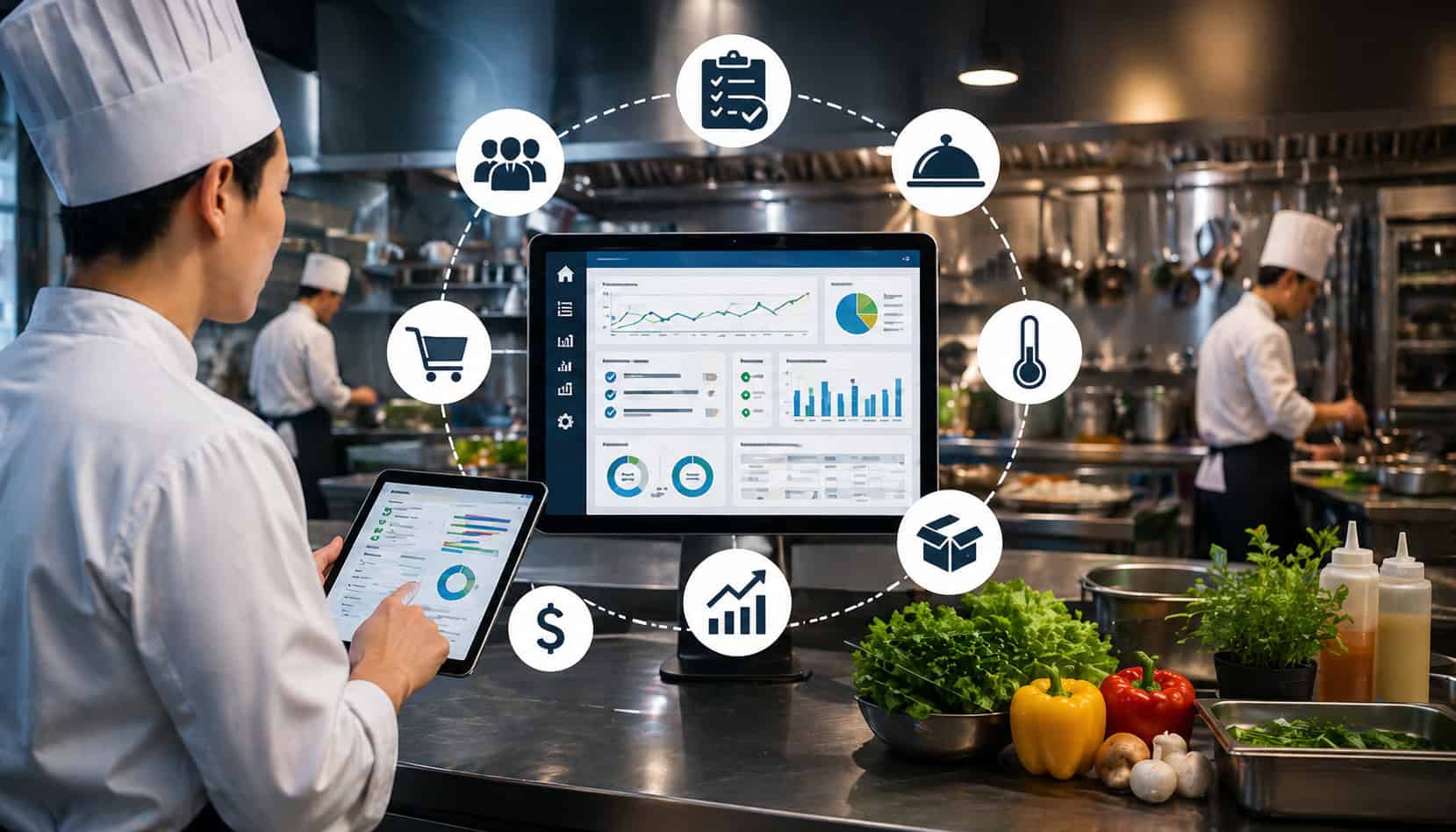
A kitchen management system helps food service teams organize daily back-of-house operations in one connected workflow. Instead of managing inventory, recipes, purchasing, food costs, prep planning, staff tasks, waste tracking, and reports across notebooks, spreadsheets, messages, and memory, a KMS gives teams a central place to work from.
For restaurant owners, chefs, kitchen managers, catering businesses, and hospitality teams, this can make the difference between a kitchen that reacts to problems and one that runs with control. When ingredients, orders, recipes, production plans, and costs are connected, the team can make faster and better decisions.
A good kitchen management system does not replace experienced people. It supports them. It helps managers spot low stock before service, understand recipe costs before prices become a problem, reduce waste before it cuts into margins, and keep prep teams aligned before the rush begins.
What Is a Kitchen Management System?
A kitchen management system is software that helps food service businesses manage the operational side of the kitchen. It brings together tools for inventory control, recipe management, purchasing, prep planning, food cost tracking, task management, waste monitoring, and reporting.
In simple terms, it is a digital control center for back-of-house operations. A restaurant kitchen management system helps answer practical questions such as:
- What ingredients are currently in stock?
- What items need to be ordered?
- Which recipes are costing more than expected?
- What prep needs to be completed before service?
- Which ingredients are being wasted most often?
- Are supplier price changes affecting menu margins?
- Are teams following the same recipe and portion standards?
Without a KMS kitchen system, these answers may be scattered across clipboards, spreadsheets, invoices, POS reports, supplier emails, and verbal updates. That makes it easier for mistakes to happen. A manager may order too much of one item, miss a low-stock ingredient, price a menu item using outdated costs, or fail to notice that waste is increasing.
Kitchen management software reduces that guesswork by creating a shared source of operational information. Inventory counts, recipes, supplier data, purchase orders, production needs, and reporting can all work together.
For example, when a recipe is updated, the system can help reflect ingredient usage and food cost changes. When stock drops below a par level, the system can alert the team or support reorder planning. When waste is recorded, managers can review patterns and adjust purchasing, prep, or menu planning.
How a KMS Kitchen System Works
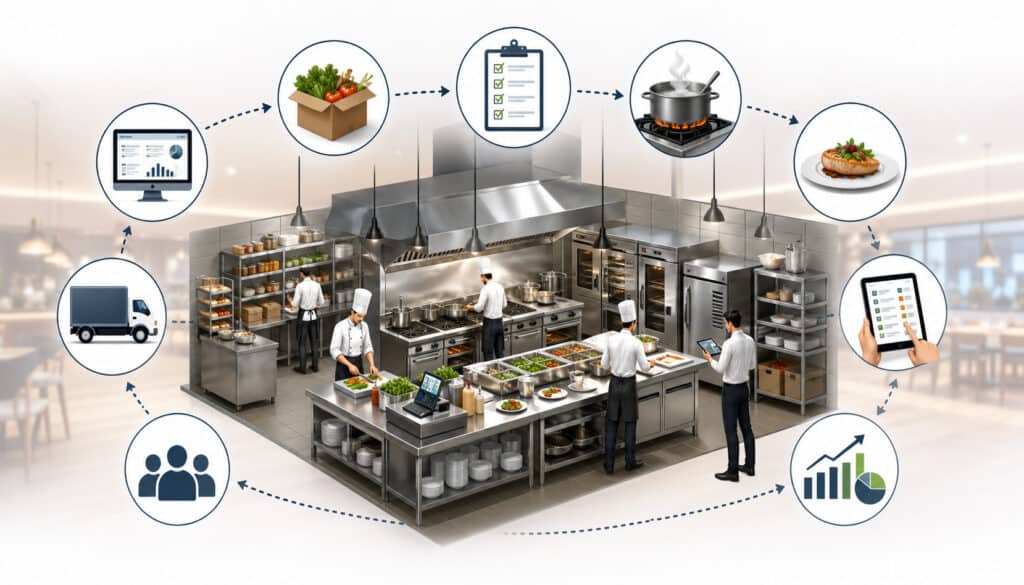
A KMS kitchen system works by connecting the main data points and workflows inside a food service operation. Instead of treating inventory, recipes, purchasing, prep, waste, and reports as separate tasks, the system links them so each part of the kitchen has better visibility.
At the center of most systems is ingredient data. Each ingredient may include details such as unit of measure, supplier, storage location, purchase price, pack size, par level, expiration date, and quantity on hand. This information supports kitchen inventory management and gives the team a clearer picture of what is available.
Recipes are then connected to those ingredients. Recipe management software can show how much of each ingredient is needed for a dish, what the recipe costs, and how portion sizes affect margins. When menu items are sold or production is planned, the system can estimate ingredient usage and help managers understand what needs to be prepped or ordered.
Purchasing workflows are also connected. A kitchen management system may help create purchase orders, compare supplier prices, track deliveries, and update stock after receiving. This reduces manual entry and helps purchasing teams make decisions based on current needs instead of rough estimates.
Task and production planning features help kitchen teams know what must happen before, during, and after service. Prep lists, batch production, cleaning tasks, opening checks, and closing duties can be assigned and monitored.
Reporting brings the workflow together. Managers can review inventory value, waste, food cost trends, supplier price changes, recipe margins, and usage patterns. These insights help leaders make better choices about menus, purchasing, staffing, and production.
A helpful overview of broader food service technology can be found in this guide to food service management software, which explains how operational software can support inventory, menus, staff, and connected restaurant workflows.
Key Features of Kitchen Management Software
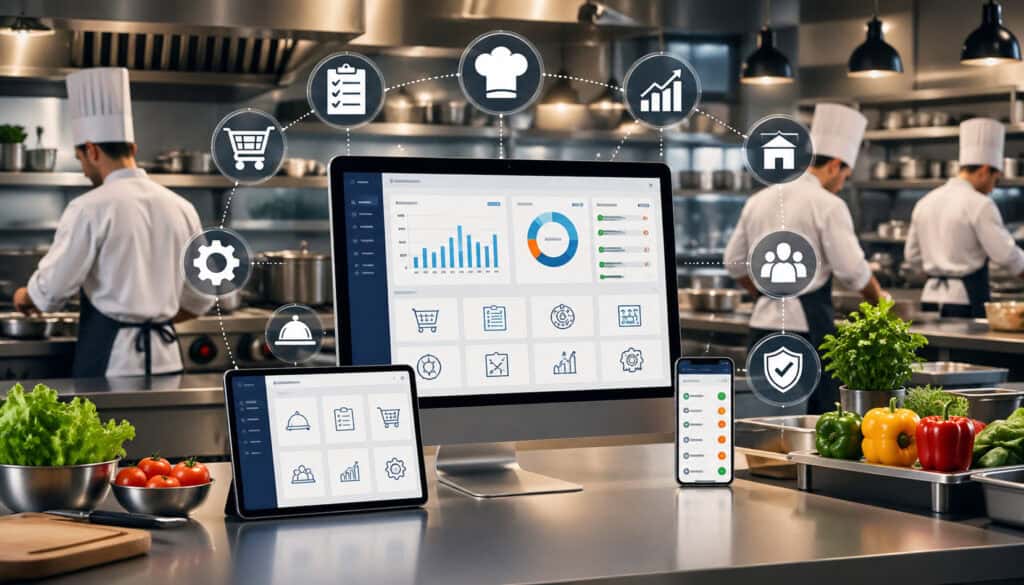
Kitchen management software can vary widely, but the best systems usually focus on the same core operational needs: tracking ingredients, standardizing recipes, managing purchasing, controlling costs, planning production, reducing waste, assigning tasks, and generating reports.
A basic system may only help with stock counts and reorder lists. A more complete restaurant back-of-house software platform may include recipe costing, supplier management, prep planning, kitchen workflow automation, food waste tracking, and integrations with POS, accounting, or ordering tools.
The right features depend on the size and complexity of the operation. A small café may need simple stock control, recipe costing, and purchasing lists. A catering company may need production planning, event-based ordering, and batch recipes.
A multi-location food service team may need central reporting, approved supplier lists, location-level inventory, and menu consistency tools.
Here is a practical breakdown:
| Feature | What It Does | Why It Matters |
| Inventory tracking | Tracks ingredients, quantities, storage areas, and stock movement | Reduces stockouts, overordering, and waste |
| Recipe management | Stores recipes, portions, ingredients, and prep instructions | Improves consistency and cost control |
| Food cost control | Tracks ingredient prices, recipe costs, and menu margins | Helps protect profitability |
| Purchasing tools | Supports purchase orders, supplier records, and reorder planning | Saves time and improves ordering accuracy |
| Production planning | Creates prep lists and batch production needs | Helps teams prepare the right amount |
| Waste tracking | Records spoiled, expired, overproduced, or returned items | Reveals where losses are happening |
| Task management | Assigns prep, cleaning, receiving, and closing tasks | Improves accountability |
| Reporting | Shows trends in usage, cost, stock, waste, and purchasing | Supports better management decisions |
| Integrations | Connects with POS, accounting, or ordering systems | Reduces duplicate data entry |
A practical guide to setting up kitchen inventory management can be useful when building the inventory foundation of a KMS.
Kitchen Inventory Management
Kitchen inventory management is one of the most important parts of a kitchen management system. It helps teams track what ingredients they have, where those ingredients are stored, how much is available, when items may expire, and when new stock should be ordered.
Good inventory tools should support ingredient quantities, units of measure, storage locations, supplier details, par levels, and reorder points. They should also make it easy to count stock regularly and compare actual usage with expected usage.
This matters because inventory problems can quickly affect service and profit. Too little stock can lead to menu shortages, emergency purchasing, and unhappy guests. Too much stock can lead to spoilage, tied-up cash, and crowded storage areas.
A kitchen inventory management workflow may include:
- Receiving ingredients and checking them against orders
- Updating stock counts after deliveries
- Tracking movement between storage, prep, and service areas
- Monitoring expiration dates
- Setting par levels for high-use ingredients
- Reviewing slow-moving stock
- Recording waste or spoilage
Recipe and Menu Management
Recipe and menu management features help kitchens standardize how dishes are prepared and priced. Recipe management software stores ingredient lists, prep steps, portion sizes, yields, plating notes, and cost information in one place.
This is especially important when multiple cooks prepare the same menu items. Without standardized recipes, one person may use more sauce, another may cut larger portions, and another may skip a step. Over time, those small differences can affect food cost, guest experience, and menu consistency.
A restaurant kitchen management system can help calculate recipe costs by connecting each recipe to current ingredient prices. If the cost of dairy, produce, meat, oil, or packaging changes, the system can show how those changes affect menu margins.
Recipe tools can also support:
- Batch recipes for prep teams
- Sub-recipes such as sauces, dressings, and marinades
- Yield calculations after trimming or cooking
- Allergen and dietary notes
- Portion control standards
- Menu engineering decisions
For catering businesses, bakeries, ghost kitchens, and multi-location teams, recipe management becomes even more valuable. It helps ensure that the same dish can be produced consistently across events, shifts, or locations.
Food Cost Control and Reporting
Food cost control is one of the strongest reasons to use a kitchen management system. Food costs can change quickly because of supplier pricing, seasonality, waste, portioning, substitutions, and menu changes. If managers only review costs occasionally, margin issues may go unnoticed for too long.
A KMS helps monitor supplier prices, recipe costs, ingredient usage, waste, inventory value, and menu profitability. This gives kitchen leaders more visibility into where money is being spent and where losses may be happening.
For example, a report may show that one ingredient has increased in price, one recipe is using more product than expected, or one menu item has a weaker margin than planned. Managers can then adjust purchasing, portion sizes, menu pricing, supplier choices, or prep quantities.
Food cost reporting can also help compare theoretical usage against actual usage. Theoretical usage is what the kitchen should have used based on recipes and sales. Actual usage is what was really used. A large gap may point to waste, over-portioning, theft, incorrect recipes, poor receiving practices, or counting errors.
For more detail on this area, see this guide on food cost tracking software.
Benefits of a Restaurant Kitchen Management System
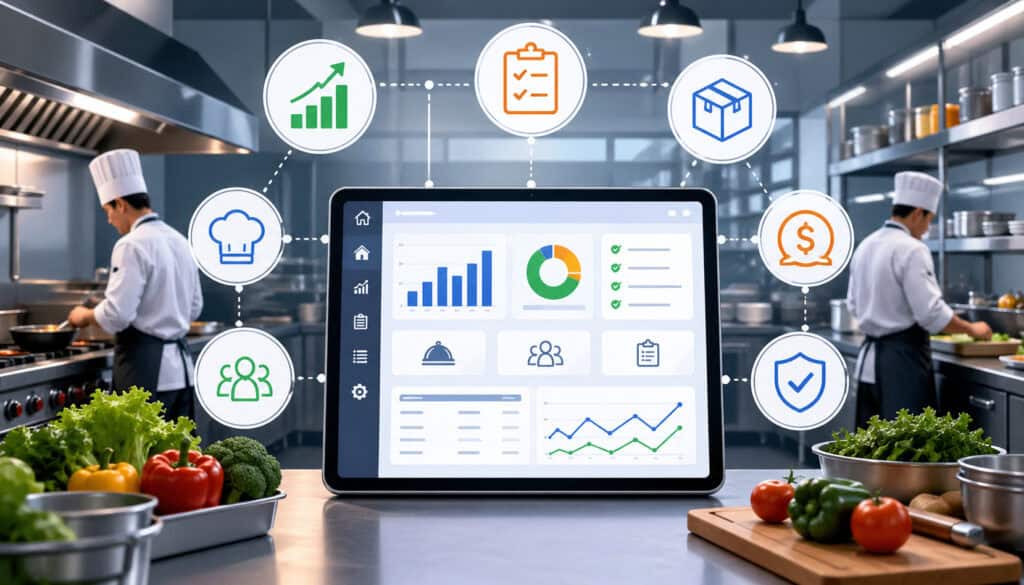
A restaurant kitchen management system helps create a more organized, predictable, and cost-aware back-of-house operation. The biggest benefit is visibility. When managers can see inventory, recipes, orders, costs, waste, and prep needs in one place, they can make decisions with better information.
One major benefit is fewer stockouts. When par levels, reorder alerts, and usage trends are tracked, teams are less likely to run out of key ingredients during service. This helps protect menu availability and reduces last-minute purchasing.
Another benefit is reduced food waste. Waste often comes from overordering, overproduction, expired stock, poor portion control, or unclear prep planning. A KMS helps identify these issues and gives managers a way to address them. This guide on real-time food inventory tracking and waste reduction explains why waste is often an operations issue, not just a kitchen issue.
Kitchen workflow automation can also save time. Instead of building reorder lists manually, calculating recipe costs by hand, or searching through invoices, managers can use connected data to work faster.
Other benefits include:
- Better prep planning
- More consistent recipes
- Faster purchasing
- Stronger cost control
- Clearer staff accountability
- Better supplier visibility
- Improved communication between managers and kitchen teams
- More reliable reporting
A KMS does not remove the need for judgment. Experienced chefs and managers still make the decisions. The system simply gives them better information and a cleaner workflow.
Better Back-of-House Organization
Back-of-house organization depends on shared information. When chefs, managers, purchasing teams, receivers, and prep staff all work from different notes or assumptions, small issues can turn into daily friction.
A kitchen management system centralizes important information so teams can stay aligned. The chef can review recipe standards. The purchasing manager can see what needs to be ordered. The prep team can follow production lists. The manager can check inventory value and waste reports. Everyone works from the same operational picture.
This is especially useful during busy service periods, shift changes, and staff turnover. Instead of relying only on verbal handoffs, the system can show what has been completed, what still needs attention, and where problems are appearing.
For example, if a delivery is short, the receiving team can record it. If an ingredient is close to expiration, the kitchen can plan to use it. If a prep item is behind schedule, a manager can reassign the task before it affects service.
Improved Profitability and Cost Visibility
Profitability in food service depends heavily on accurate cost visibility. Menu items can look profitable on paper but perform poorly if supplier prices rise, portions drift, waste increases, or recipes are not updated.
A kitchen management system helps managers see these issues sooner. Accurate inventory counts show how much stock is on hand. Recipe costing shows how much each dish should cost to produce. Waste reports show where product is being lost. Supplier price tracking shows whether ingredient costs are changing.
Together, these tools support smarter decisions. Managers can adjust menu pricing, change suppliers, revise portions, promote high-margin items, reduce overproduction, or remove low-performing menu items.
This is also helpful for catering and event-based businesses, where production planning must be accurate. Ordering too little can damage service. Ordering too much can leave expensive leftovers. A KMS helps teams estimate needs based on recipes, guest counts, production plans, and historical usage.
Kitchen Management System vs POS System
A kitchen management system and a POS system serve different purposes, although they can work together.
A POS system mainly handles front-of-house sales and transactions. It records orders, processes payments, tracks sales, manages checks, and may support customer-facing functions such as online ordering, loyalty, and receipts. It tells the business what was sold and when.
A kitchen management system focuses on back-of-house operations. It helps manage ingredients, recipes, purchasing, inventory, production, food costs, waste, kitchen tasks, and operational reporting. It tells the business what needs to be prepared, ordered, used, tracked, and controlled.
The difference is important. A POS may show that fifty portions of a menu item were sold. A KMS can help show what ingredients should have been used, whether enough stock remains, how much the recipe costs, whether prep levels were accurate, and whether actual usage matched expected usage.
When POS and KMS tools are integrated, the operation becomes stronger. Sales data can help update inventory usage, forecast demand, and improve production planning. Recipe data can help calculate the ingredient impact of menu sales. Reporting can connect revenue with cost and usage.
However, a POS alone usually does not provide deep kitchen inventory management, recipe costing, waste tracking, supplier workflows, or prep planning. Likewise, a KMS usually does not replace payment processing or transaction management.
A helpful way to think about it is this:
- POS system: What did guests order and pay for?
- Kitchen management system: What did the kitchen need, use, waste, prepare, and spend?
Who Should Use Kitchen Management Software?
Kitchen management software can help many types of food service businesses, not only large restaurants. Any operation that manages ingredients, recipes, purchasing, prep work, waste, and food costs can benefit from better back-of-house visibility.
Restaurants use a KMS to control stock, standardize recipes, manage purchasing, and improve daily prep planning. Cafes can use it to track high-turnover ingredients, baked goods, beverages, packaging, and grab-and-go items. Bakeries can use recipe management software to control batch production, yields, and ingredient costs.
Catering businesses often benefit because they need accurate planning for events, guest counts, production schedules, and purchasing. A KMS can help prevent overordering while making sure enough ingredients are available for each event.
Food trucks can use kitchen operations software to simplify limited storage, prep planning, and reorder decisions. Ghost kitchens and virtual brands can use a KMS to manage multiple menus from one production space. Hotels and hospitality teams can use it to coordinate multiple outlets, banquets, room service, and staff dining.
Schools, healthcare kitchens, workplace dining teams, and other institutional food service operators can also benefit from food service management system features such as menu planning, inventory control, production forecasting, and reporting.
Multi-location teams may gain even more value because consistency becomes harder as the business grows. A KMS can help standardize recipes, compare location performance, control approved purchasing, and monitor food cost trends across units.
How to Choose the Right Kitchen Management System
Choosing the right kitchen management system starts with understanding your operation. The best software is not always the one with the longest feature list. It is the one that fits your kitchen’s workflow, team skills, reporting needs, and growth plans.
Start by mapping your current process. How do you count inventory? Who places orders? How are recipes stored? How are supplier prices updated? How does the prep team know what to make? How is waste recorded? Which reports do managers actually use?
Then identify the biggest problems. Some kitchens struggle with stockouts. Others struggle with waste, inconsistent recipes, poor cost visibility, or messy purchasing. Your priority problems should guide your software selection.
Consider these buying factors:
- Business size and number of locations
- Menu complexity
- Number of ingredients and suppliers
- Recipe costing needs
- Inventory count frequency
- Purchasing workflow
- Staff roles and permissions
- Reporting requirements
- POS, accounting, or ordering integrations
- Mobile access
- Ease of use
- Training and support
- Scalability
Also consider implementation effort. A system with advanced features may still fail if the team does not use it consistently. Look for software that makes daily work easier, not harder.
Ask practical questions during evaluation. Can staff count inventory quickly? Can recipes be updated without confusion? Can supplier price changes be tracked? Are reports easy to understand? Can managers control user access? Can the system grow with the business?
Match the System to Your Kitchen Workflow
The right kitchen management software should match how your kitchen actually operates. A fine dining restaurant, catering business, bakery, café, hotel kitchen, and ghost kitchen may all need different workflows.
For example, a catering operation may need event-based production planning and batch recipe scaling. A bakery may need yield tracking, production schedules, and ingredient lot control. A busy restaurant may need fast inventory counts, prep lists, recipe costing, and supplier ordering. A multi-brand kitchen may need menu-level ingredient usage across several concepts.
Before choosing software, document your daily workflow from receiving to service:
- How ingredients arrive
- Where they are stored
- How stock is counted
- How recipes are followed
- How prep lists are created
- How waste is recorded
- How orders are placed
- How managers review costs
Then compare each system against that workflow. If the software forces too many workarounds, the team may stop using it.
Check Integration and Reporting Needs
Integrations can make a kitchen management system much more useful. When a KMS connects with POS, accounting, supplier ordering, or reporting tools, it can reduce manual entry and improve data accuracy.
POS integration may help connect sales to ingredient usage and production forecasting. Accounting integration may simplify invoice handling, purchase tracking, and cost reporting. Supplier integration may support faster ordering, price updates, and delivery tracking.
Reporting is equally important. A system should not only collect data; it should turn that data into useful information. Managers should be able to review food cost trends, inventory value, waste, purchase history, supplier pricing, and recipe profitability without digging through complicated exports.
Look for reports that answer real management questions:
- Which ingredients are rising in cost?
- Which menu items have weak margins?
- Where is waste increasing?
- Which items are frequently out of stock?
- Are actual costs matching expected costs?
- Are locations following recipe standards?
Common Mistakes to Avoid When Using a KMS
A kitchen management system can improve operations, but only when it is implemented carefully. Many problems come from treating software as a quick fix instead of an operational tool that needs clean data, staff training, and regular review.
One common mistake is choosing too many features too quickly. A system may offer inventory, recipes, ordering, production, waste, tasks, and reporting, but rolling everything out at once can overwhelm the team. It is often better to start with inventory, recipes, and purchasing, then expand after the team builds confidence.
Another mistake is importing messy inventory data. Duplicate ingredient names, inconsistent units, outdated supplier prices, and unclear storage locations can make reports unreliable. If the data going into the system is poor, the output will also be poor.
Skipping staff training is another major issue. If only one manager understands the system, daily use becomes inconsistent. The team should know how to count inventory, record waste, receive orders, follow recipes, and complete assigned tasks.
Other mistakes include:
- Not updating recipe costs
- Ignoring supplier price changes
- Failing to assign user roles
- Letting reports go unread
- Using the system only after problems happen
- Relying on software without physical checks
- Not auditing inventory counts
- Keeping side spreadsheets that conflict with the KMS
A KMS should support discipline, not replace it. Managers still need to verify counts, review reports, inspect storage, train staff, and hold teams accountable.
Best Practices for Getting the Most From a Kitchen Management System
Getting value from a kitchen management system depends on consistent habits. The software should become part of daily operations, not something managers only check when there is a problem.
Start by keeping inventory data clean. Use consistent ingredient names, units of measure, storage locations, and categories. Avoid duplicate items such as “tomato,” “tomatoes,” and “fresh tomato” unless they truly represent different products.
Update supplier prices regularly. Food cost control depends on current pricing. If ingredient costs change but recipes are not updated, margin reports may be misleading.
Standardize recipes and review them often. Recipes should include ingredients, quantities, yields, portions, prep steps, and cost data. When chefs change a portion or ingredient, update the system so reports stay accurate.
Track waste daily. Waste data is most useful when it is recorded close to the moment it happens. Waiting until later can lead to forgotten details or vague entries.
Set par levels for key ingredients. Par levels help teams reorder based on expected usage instead of guesswork. Review them regularly because demand changes with seasons, menus, events, and traffic patterns.
Train staff by role. Receivers need to know delivery and stock procedures. Prep staff need recipe and production workflows. Managers need reporting and approval tools. Purchasing teams need supplier and ordering workflows.
Review reports on a schedule. Food cost, waste, inventory value, and purchase reports should be part of management routines. Use them to make decisions, not just to document what happened.
FAQs
What is a kitchen management system?
A kitchen management system is software that helps food service businesses manage back-of-house operations. It usually includes tools for inventory, recipes, purchasing, food cost control, prep planning, waste tracking, staff tasks, and reporting.
What does KMS mean in a kitchen?
In a kitchen, KMS usually means kitchen management system. It refers to software used to manage kitchen operations such as ingredient tracking, recipe costing, stock control, ordering, production planning, and reporting.
How does kitchen management software work?
Kitchen management software works by connecting ingredients, recipes, inventory, suppliers, purchase orders, prep tasks, waste records, and reports. This helps managers understand stock levels, food costs, purchasing needs, and kitchen performance more clearly.
Is a KMS the same as a POS system?
No. A POS system mainly manages sales, orders, and payments, while a kitchen management system focuses on back-of-house operations such as inventory, recipes, purchasing, food costs, production planning, and waste tracking.
What features should a restaurant kitchen management system include?
A restaurant kitchen management system should include inventory tracking, recipe management, purchasing tools, food cost reporting, production planning, waste tracking, staff task management, and useful reports.
Can small restaurants use kitchen management software?
Yes. Small restaurants can use kitchen management software to manage stock, reduce waste, control recipe costs, improve ordering, and keep daily kitchen operations more organized.
How does a KMS help reduce food waste?
A KMS helps reduce food waste by tracking inventory levels, expiration dates, prep quantities, recipe usage, overproduction, and recorded waste. This makes it easier to identify where waste is happening and adjust ordering or prep plans.
When should a kitchen switch from spreadsheets to a KMS?
A kitchen should consider switching from spreadsheets to a KMS when manual tracking becomes slow, inconsistent, or unreliable. Common signs include frequent stockouts, rising waste, outdated recipe costs, missed orders, and reports that take too long to prepare.
Conclusion
A kitchen management system helps food service teams manage inventory, recipes, purchasing, food costs, prep work, waste, tasks, and reporting in one organized workflow. It gives chefs, managers, purchasing teams, and operators better visibility into the daily details that affect service quality and profitability.
The right KMS can reduce guesswork, improve accuracy, support recipe consistency, strengthen cost control, and make kitchen communication clearer. It can also help teams reduce waste, avoid stockouts, plan prep more effectively, and respond faster when costs or usage patterns change.
A kitchen management system is most valuable when it fits the real workflow of the kitchen. Clean data, staff training, regular reporting, and consistent use are what turn software into better operations.
For restaurants, catering businesses, cafes, bakeries, ghost kitchens, hotels, schools, and food service teams, a well-chosen KMS can make daily kitchen management easier, more reliable, and more profitable.